Jupyter ETL_Mini_Project_CAbney_EPresley_IReese_Starter_Code Last Checkpoint: 35 minutes ago (unsaved changes)
File Edit View Insert Cell Kernel Widgets Help
? Run C Code
In [22]:
Extract the contacts.xlsx Data.
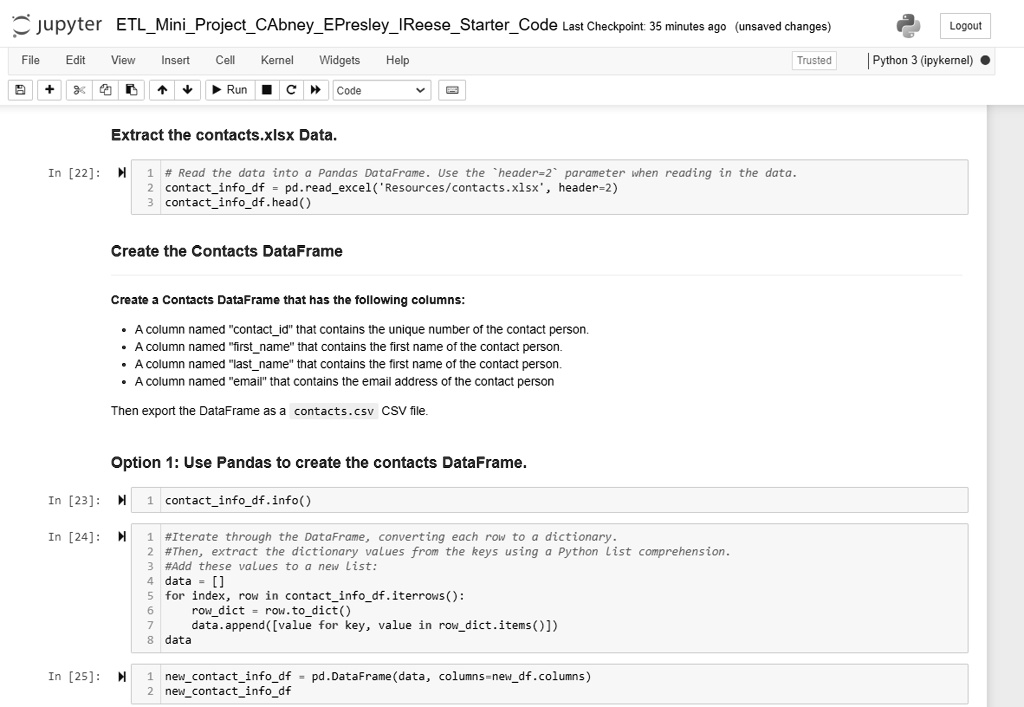
1 # Read the data into a Pandas DataFrame. Use the `header=2` parameter when reading in the data.
2 contact_info_df = pd.read_excel('Resources/contacts.xlsx', header=2)
3 contact_info_df.head()
Create the Contacts DataFrame
Create a Contacts DataFrame that has the following columns:
• A column named "contact_id" that contains the unique number of the contact person.
• A column named "first_name" that contains the first name of the contact person.
• A column named "last_name" that contains the first name of the contact person.
• A column named "email" that contains the email address of the contact person
Then export the DataFrame as a contacts.csv CSV file.
Option 1: Use Pandas to create the contacts DataFrame.
In [23]:
1 contact_info_df.info()
In [24]:
1 #Iterate through the DataFrame, converting each row to a dictionary.
2 #Then, extract the dictionary values from the keys using a Python List comprehension.
3 #Add these values to a new list:
4 data = []
5 for index, row in contact_info_df.iterrows():
6 row_dict = row.to_dict()
7
8 data.append([value for key, value in row_dict.items()])
In [25]:
1 new_contact_info_df = pd.DataFrame(data, columns=new_df.columns)
2 new_contact_info_df
Logout
Trusted
Python 3 (ipykernel) •