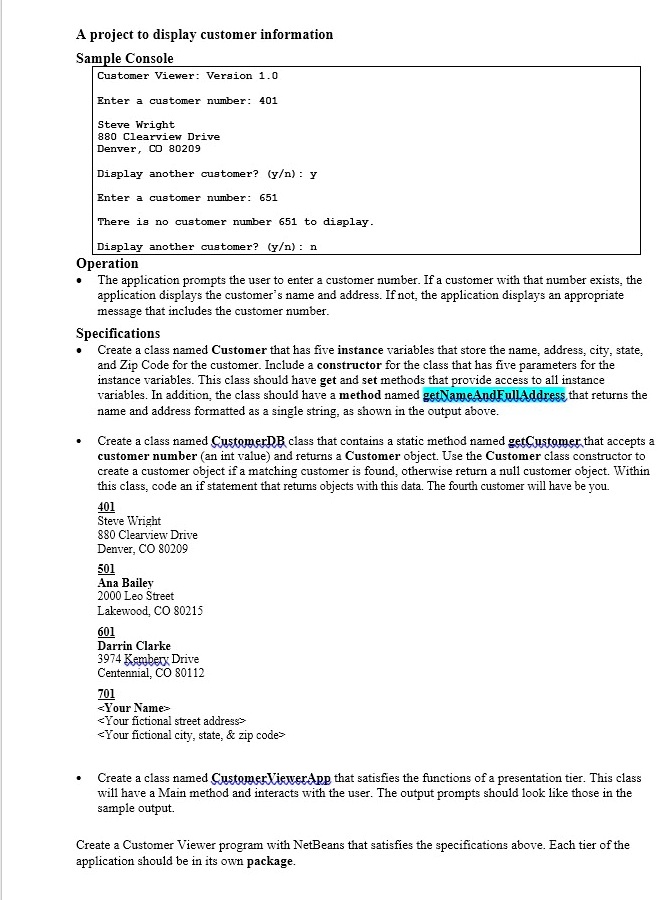
Sample Console Customer Viewer: Version 1.0
Enter a customer number: 401
Steve Wright 880 Clearview Drive Denver, CO 80209
Display another customer? y/n: y
Enter a customer number: 651
There is no customer number 651 to display.
Display another customer? (y/n): n
Operation: The application prompts the user to enter a customer number. If a customer with that number exists, the application displays the customer's name and address. If not, the application displays an appropriate message that includes the customer number.
Specifications: Create a class named Customer that has five instance variables that store the name, address, city, state, and Zip Code for the customer. Include a constructor for the class that has five parameters for the instance variables. This class should have get and set methods that provide access to all instance variables. In addition, the class should have a method named getNameAndFullAddress that returns the name and address formatted as a single string, as shown in the output above.
Create a class named CustomerDB that contains a static method named getCustomer that accepts a customer number as an int value and returns a Customer object. Use the Customer class constructor to create a customer object if a matching customer is found, otherwise return a null customer object. Within this class, code an if statement that returns objects with this data. The fourth customer will be you.
401 Steve Wright 880 Clearview Drive Denver, CO 80209
501 Ana Bailey 2000 Leo Street Lakewood, CO 80215
601 Darrin Clarke 3974 Kimber Drive Centennial, CO 80112
701 Your Name> Your fictional street address> Your fictional city, state, & zip code>
Create a class named CustomerViewerApp that satisfies the functions of a presentation tier. This class will have a Main method and interact with the user. The output prompts should look like those in the sample output.
Create a Customer Viewer program with NetBeans that satisfies the specifications above. Each tier of the application should be in its own package.