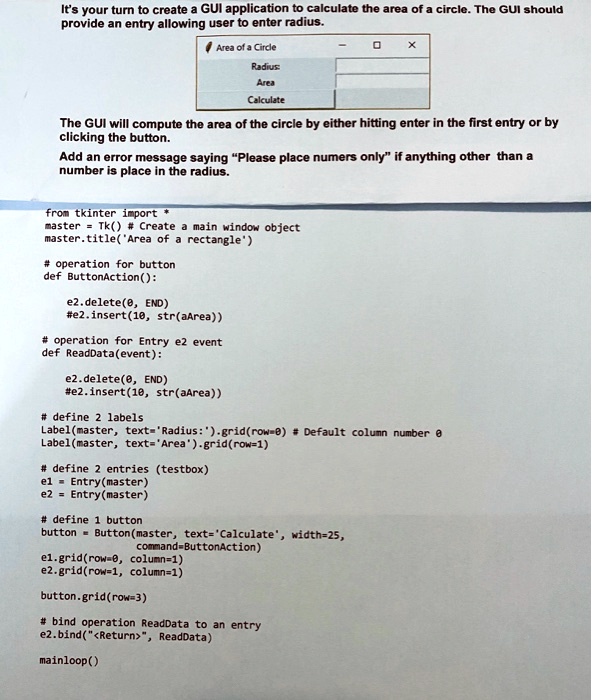
It's your turn to create a GUI application to calculate the area of a circle. The GUI should
provide an entry allowing user to enter radius.
Area of a Circle
Radius:
Area
Calculate
X
The GUI will compute the area of the circle by either hitting enter in the first entry or by
clicking the button.
Add an error message saying "Please place numers only" if anything other than a
number is place in the radius.
from tkinter import *
master = Tk() # Create a main window object
master.title('Area of a rectangle')
# operation for button
def ButtonAction():
e2.delete(0, END)
#e2.insert(10, str(aArea))
# operation for Entry e2 event
def ReadData(event):
e2.delete(0, END)
#e2.insert(10, str(aArea))
# define 2 labels
Label(master, text='Radius:').grid(row=0) # Default column number 0
Label(master, text='Area').grid(row=1)
# define 2 entries (testbox)
e1 = Entry(master)
e2 = Entry(master)
# define 1 button
button = Button(master, text='Calculate', width=25,
command=ButtonAction)
e1.grid(row=0, column=1)
e2.grid(row=1, column=1)
button.grid(row=3)
# bind operation ReadData to an entry
e2.bind("<Return>", ReadData)
mainloop()