Run code
Save
Add framework
Create new code
Fullecreen
1 <script>
2
Java Sc
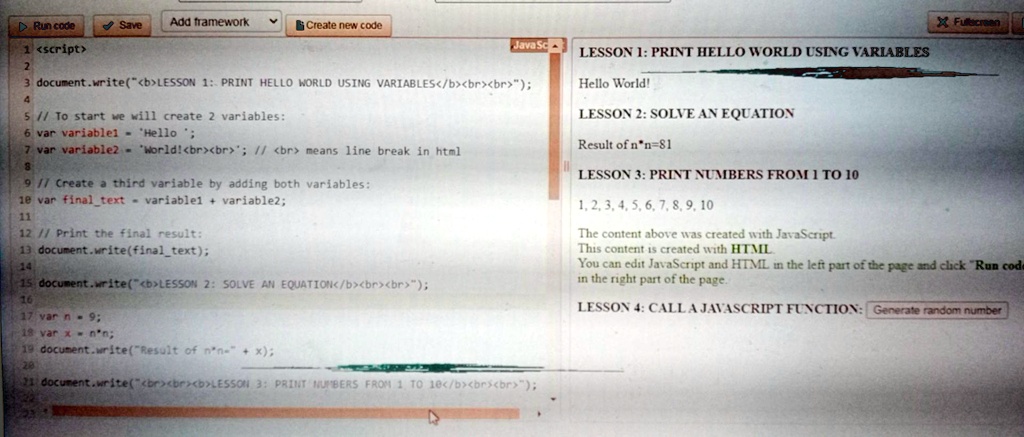
3 document.write("<b>LESSON 1: PRINT HELLO WORLD USING VARIABLES</b><br><br>");
4
5// To start we will create 2 variables:
6 var variable1 = 'Hello';
7 var variable2 = 'World!<br><br>'; // <br> means line break in html
8
9// Create a third variable by adding both variables:
10 var final_text = variable1 + variable2;
11
12// Print the final result:
13 document.write(final_text);
14
15 document.write("<b>LESSON 2: SOLVE AN EQUATION</b><br><br>");
16
17 var n = 9;
18 var x = n*n;
19 document.write("Result of n*n=" + x);
20
21 document.write("<br><br><b>LESSON 3: PRINT NUMBERS FROM 1 TO 10</b><br><br>");
LESSON 1: PRINT HELLO WORLD USING VARIABLES
Hello World!
LESSON 2: SOLVE AN EQUATION
Result of n*n=81
LESSON 3: PRINT NUMBERS FROM 1 TO 10
1, 2, 3, 4, 5, 6, 7, 8, 9, 10
The content above was created with JavaScript.
This content is created with HTML
You can edit JavaScript and HTML in the left part of the page and click "Run code
in the right part of the page.
LESSON 4: CALL A JAVASCRIPT FUNCTION: Generate random number