Complete this program in MATLAB.
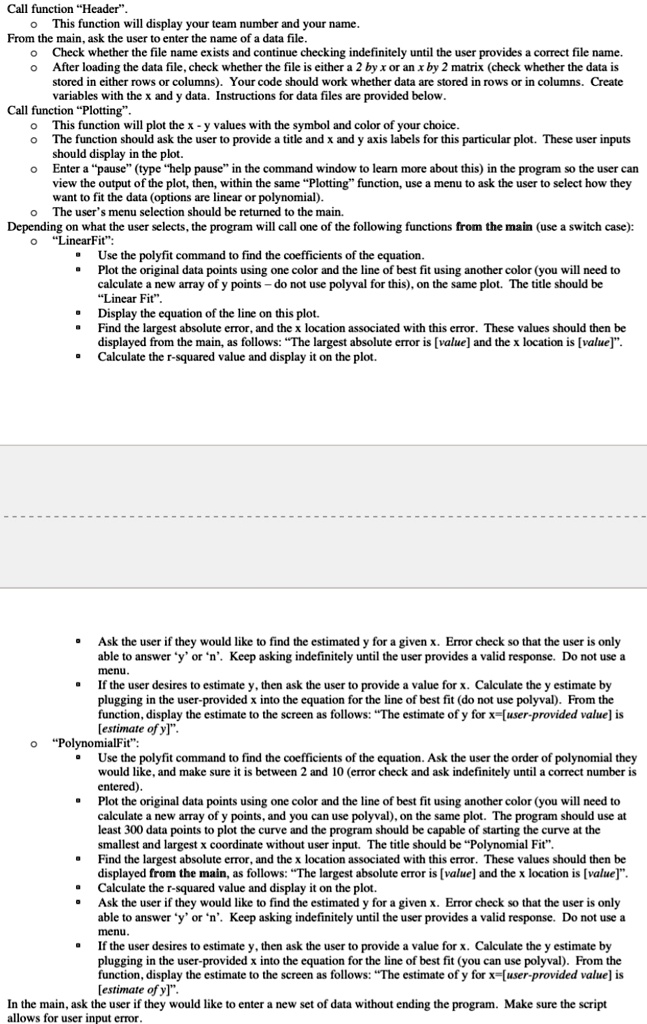
Call function Header. This function will display your team number and your name. From the main, ask the user to enter the name of a data file. Check whether the file name exists and continue checking indefinitely until the user provides a correct file name. After loading the data file, check whether the file is either a 2 by x or an x by 2 matrix (check whether the data is stored in either rows or columns). Your code should work whether data are stored in rows or in columns. Create variables with the x and y data. Instructions for data files are provided below.
Call function Plotting. This function will plot the x - y values with the symbol and color of your choice. The function should ask the user to provide a title and x and y axis labels for this particular plot. These user inputs should display in the plot. Enter a pause (type help pause in the command window to learn more about this) in the program so the user can view the output of the plot, then, within the same Plotting function, use a menu to ask the user to select how they...
The user's menu selection should be returned to the main. Depending on what the user selects, the program will call one of the following functions from the main (use a switch case):
- "LinearFit": Use the polyfit command to find the coefficients of the equation. Plot the original data points using one color and the line of best fit using another color (you will need to calculate a new array of y points - do not use polyval for this), on the same plot. The title should be "Linear Fit". Display the equation of the line on this plot. Find the largest absolute error, and the x location associated with this error. These values should then be displayed from the main, as follows: "The largest absolute error is [value] and the x location is [value]". Calculate the r-squared value and display it on the plot. Ask the user if they would like to find the estimated y for a given x. Error check so that the user is only able to answer 'y' or 'n'. Keep asking indefinitely until the user provides a valid response. Do not use a menu. If the user desires to estimate y, then ask the user to provide a value for x. Calculate the y estimate by plugging in the user-provided x into the equation for the line of best fit (do not use polyval). From the function, display the estimate to the screen as follows: "The estimate of y for x=[user-provided value] is [estimate of y]".
- PolynomialFit: Use the polyfit command to find the coefficients of the equation. Ask the user the order of polynomial they would like, and make sure it is between 2 and 10 (error check and ask indefinitely until a correct number is entered). Plot the original data points using one color and the line of best fit using another color (you will need to calculate a new array of y points, and you can use polyval, on the same plot. The program should use at least 300 data points to plot the curve and the program should be capable of starting the curve at the smallest and largest x coordinate without user input. The title should be "Polynomial Fit". Find the largest absolute error, and the x location associated with this error. These values should then be displayed from the main, as follows: "The largest absolute error is [value] and the x location is [value]". Calculate the r-squared value and display it on the plot. Ask the user if they would like to find the estimated y for a given x. Error check so that the user is only able to answer 'y' or 'n'. Keep asking indefinitely until the user provides a valid response. Do not use a menu. If the user desires to estimate y, then ask the user to provide a value for x. Calculate the y estimate by plugging in the user-provided x into the equation for the line of best fit (you can use polyval). From the function, display the estimate to the screen as follows: "The estimate of y for x=[user-provided value] is [estimate of y]".
In the main, ask the user if they would like to enter a new set of data without ending the program. Make sure the script...