Texts:
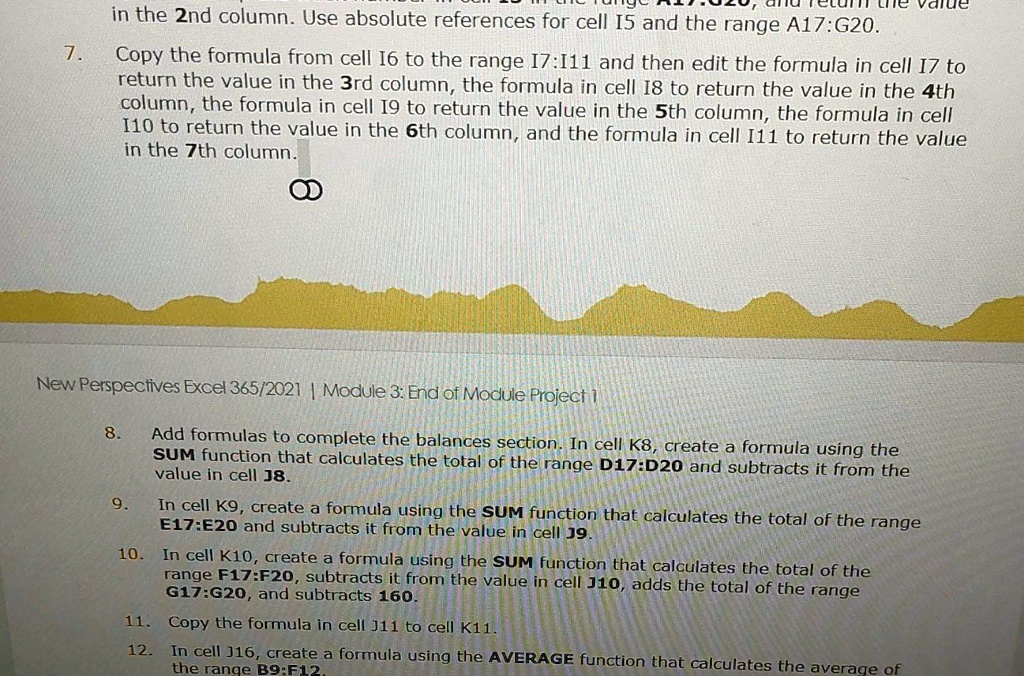
1. In the 2nd column, use absolute references for cell I5 and the range A17:G20.
2. Copy the formula from cell I6 to the range I7:I11 and then edit the formula in cell I7 to return the value in the 3rd column, the formula in cell I8 to return the value in the 4th column, the formula in cell I9 to return the value in the 5th column, the formula in cell I10 to return the value in the 6th column, and the formula in cell I11 to return the value in the 7th column.
3. New Perspectives Excel365/2021 Module 3: End of Module Project.
4. Add formulas to complete the balances section. In cell K8, create a formula using the SUM function that calculates the total of the range D17:D20 and subtracts it from the value in cell 8.
5. In cell K9, create a formula using the SUM function that calculates the total of the range E17:E20 and subtracts it from the value in cell J9.
6. In cell K10, create a formula using the SUM function that calculates the total of the range F17:F20, subtracts it from the value in cell J10, adds the total of the range G17:G20, and subtracts 160.
7. Copy the formula in cell J11 to cell K11.
8. In cell J16, create a formula using the AVERAGE function that calculates the average of the range B9:F1.