Nesting Loops
this lab, you add nested loops to a Python
program provided. The program should print the
outline of the letter E. The letter E is printed using
asterisks, three across and five down. This program
uses the print("*") to print an asterisk and
print(" ") to print a space.
1. Write the nested loops to control the number
of rows and the number of columns that
make up the letter E.
2. In the loop body, use a nested if statement to
decide when to print an asterisk and when to
print a space. The output statements have
been written, but you must decide when and
where to use them.
3. Execute the program. Observe your output.
4. Modify the program to change the number of
rows from five to seven and the number of
columns from three to five. What does the
letter E look like now?
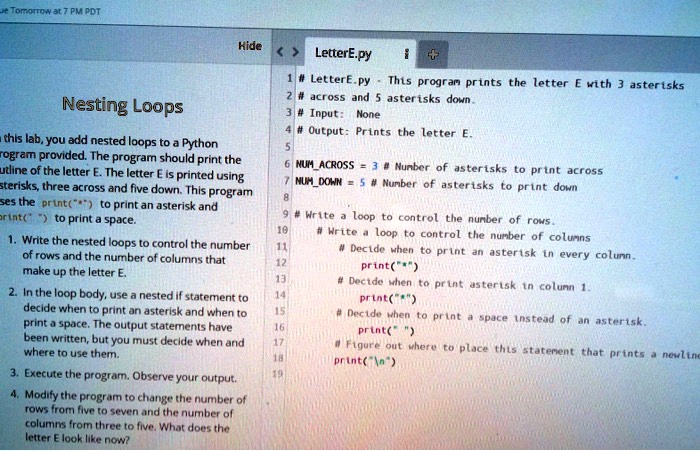
LetterE.py
1 # LetterE.py - This program prints the letter E with 3 asterisks
2 # across and 5 asterisks down.
3 # Input: None
4 # Output: Prints the letter E.
6 NUM_ACROSS = 3 # Number of asterisks to print across
7 NUM_DOWN = 5 # Number of asterisks to print down
9 # Write a loop to control the number of rows.
11 # Write a loop to control the number of columns
12 # Decide when to print an asterisk in every column.
13 print("*")
14 # Decide when to print asterisk in column 1.
15 print("*")
16 # Decide when to print a space instead of an asterisk.
17 print(" ")
18 # Figure out where to place this statement that prints a newline
19 print("\n")