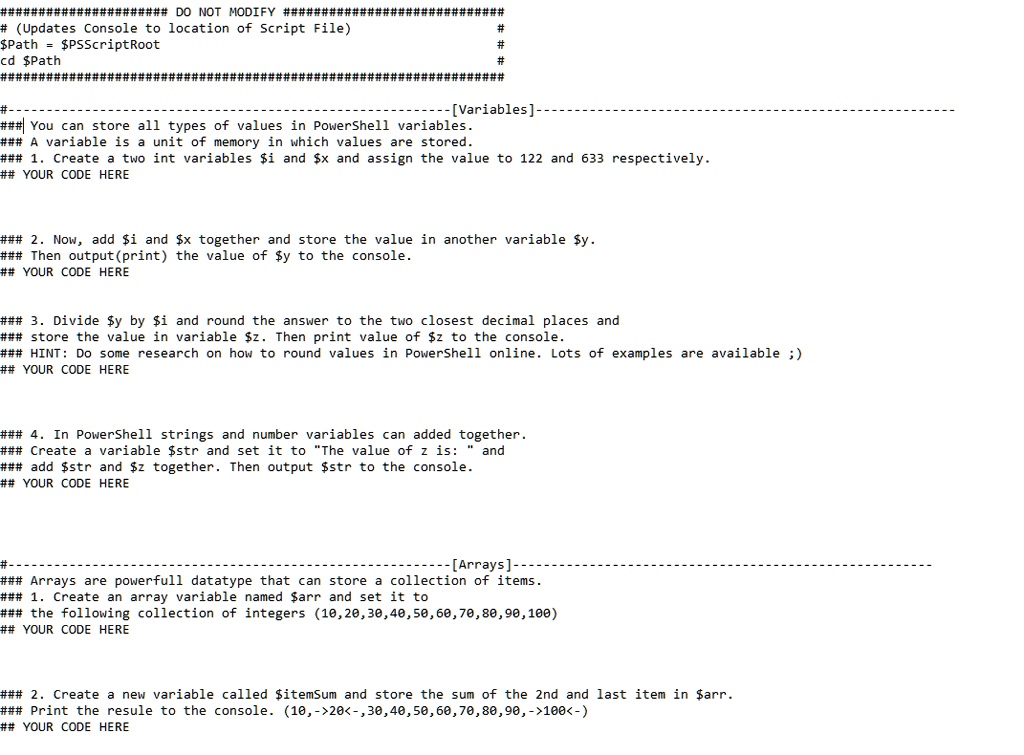
##################DO NOT MODIFY ############
#(Updates Console to location of Script File)
$Path = $PSScriptRoot
cd $Path
############
#-
######
########
#
#
#
###############
---[Variables].
You can store all types of values in PowerShell variables.
A variable is a unit of memory in which values are stored.
1. Create a two int variables $i and $x and assign the value to 122 and 633 respectively.
YOUR CODE HERE
2. Now, add $i and $x together and store the value in another variable $y.
Then output (print) the value of $y to the console.
YOUR CODE HERE
3. Divide $y by $i and round the answer to the two closest decimal places and
store the value in variable $z. Then print value of $z to the console.
HINT: Do some research on how to round values in PowerShell online. Lots of examples are available ;)
YOUR CODE HERE
4. In PowerShell strings and number variables can added together.
Create a variable $str and set it to "The value of z is: and
add $str and $z together. Then output $str to the console.
YOUR CODE HERE
#-
---[Arrays]--
Arrays are powerfull datatype that can store a collection of items.
1. Create an array variable named $arr and set it to
the following collection of integers (10,20,30,40,50,60,70,80,90,100)
YOUR CODE HERE
2. Create a new variable called $itemSum and store the sum of the 2nd and last item in $arr.
Print the resule to the console. (10,->20<-,30,40,50,60,70,80,90,->100<-)
YOUR CODE HERE