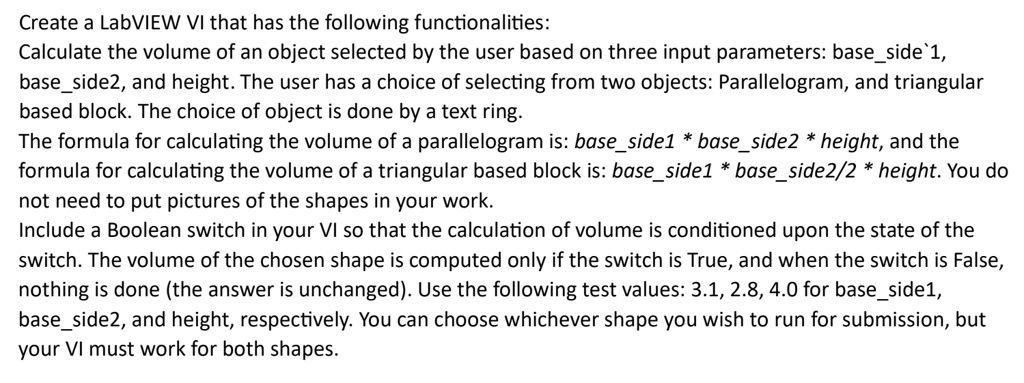
Create a LabVIEW VI that has the following functionalities:
Calculate the volume of an object selected by the user based on three input parameters: base_side 1,
base_side2, and height. The user has a choice of selecting from two objects: Parallelogram, and triangular
based block. The choice of object is done by a text ring.
The formula for calculating the volume of a parallelogram is: base_side1 * base_side2 * height, and the
formula for calculating the volume of a triangular based block is: base_side1 * base_side2/2 * height. You do
not need to put pictures of the shapes in your work.
Include a Boolean switch in your VI so that the calculation of volume is conditioned upon the state of the
switch. The volume of the chosen shape is computed only if the switch is True, and when the switch is False,
nothing is done (the answer is unchanged). Use the following test values: 3.1, 2.8, 4.0 for base_side1,
base_side2, and height, respectively. You can choose whichever shape you wish to run for submission, but
your VI must work for both shapes.