LINE Specify next point or [Close/Undo]: Enter @1,1 and press Enter
Specify next point or [Close/Undo]: Enter @0,2 and press Enter
Specify next point or [Close/Undo]: Enter @-1,1 and press Enter
Specify next point or [Close/Undo]: Enter @-1,0 and press Enter
Specify next point or [Close/Undo]: Enter @-1,-1 and press Enter
Specify next point or [Close/Undo]: Enter @0,-2 and press Enter
Specify next point or [Close/Undo]: Enter @1,-1 and press Enter
Specify next point or [Close/Undo]: Enter @1,0 and press Enter
Specify next point or [Close/Undo]: Enter @1,0 and press Enter
Specify next point or [Close/Undo]: Enter @0,-1 and press Enter
Specify next point or [Close/Undo]: Enter
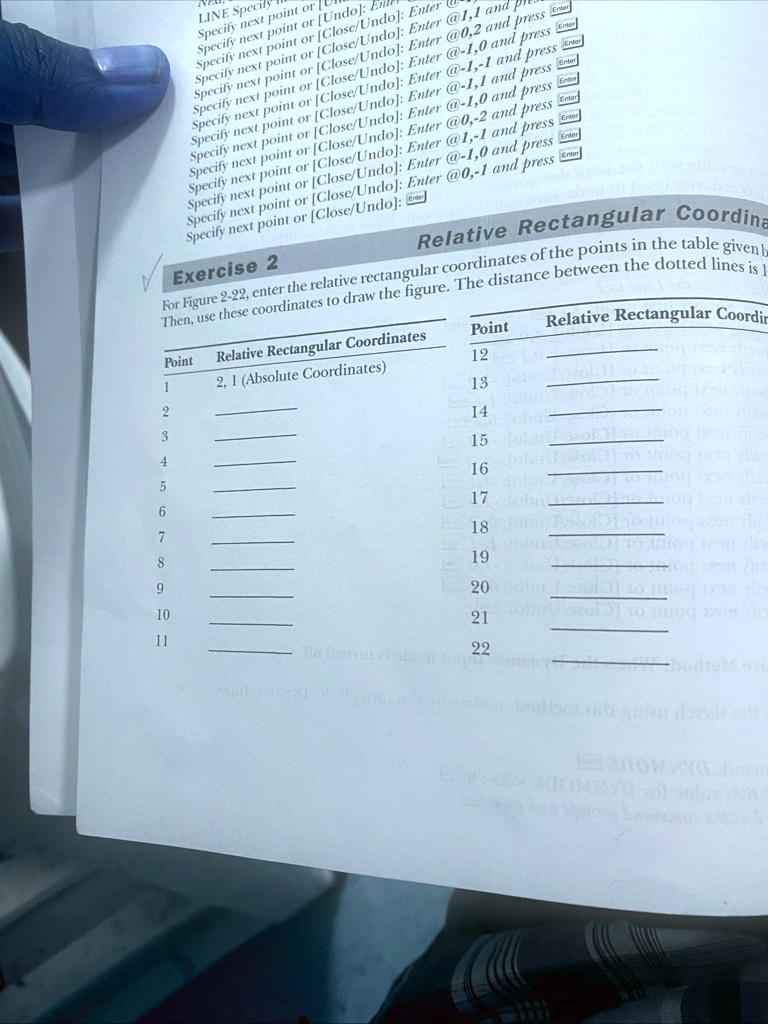
Relative Rectangular Coor
Exercise 2
For Figure 2-22, enter the relative rectangular coordinates of the points in the table given b
Then, use these coordinates to draw the figure. The distance between the dotted lines is
Point Relative Rectangular Coordinates
1 2, 1 (Absolute Coordinates)
2
3
4
5
6
7
8
9
10
11
Point Relative Rectangular Coordin
12
13
14
15
16
17
18
19
20
21
22