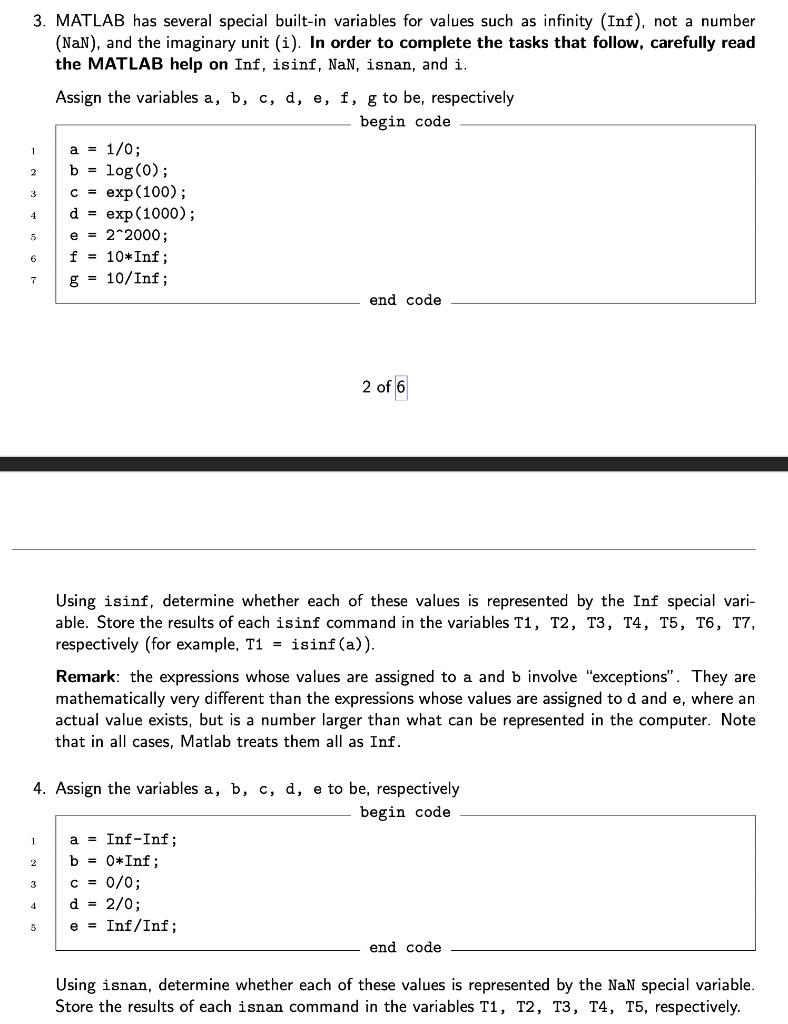
MATLAB has several special built-in variables for values such as infinity (Inf), not a number (NaN), and the imaginary unit (i). In order to complete the tasks that follow, carefully read the MATLAB help on Inf, isinf, NaN, isnan, and i.
Assign the variables a, b, c, d, e, f, g to be, respectively:
a = 1/0;
b = log(0);
c = exp(100);
d = exp(1000);
e = 2^2000;
f = 10*Inf;
g = 10/Inf;
Using isinf, determine whether each of these values is represented by the Inf special variable. Store the results of each isinf command in the variables T1, T2, T3, T4, T5, T6, T7, respectively (for example, T1 = isinf(a)).
Remark: the expressions whose values are assigned to a and b involve "exceptions". They are mathematically very different than the expressions whose values are assigned to d and e, where an actual value exists, but is a number larger than what can be represented in the computer. Note that in all cases, MATLAB treats them all as Inf.
Assign the variables a, b, c, d, e to be, respectively:
a = Inf - Inf;
b = 0 * Inf;
c = 0 / 0;
d = 2 / 0;
e = Inf / Inf;
Using isnan, determine whether each of these values is represented by the NaN special variable. Store the results of each isnan command in the variables T1, T2, T3, T4, T5, respectively.