Objectives:
Lab 4-Loop and Files
During this lab, students will learn how to:
Declare variables and select the appropriate data type
Read from and Write into a text file
Apply loops for repeating processes.
Test the program to validate the logic.
Introduction:
a) In lab 4 you will implement the following:
Write a program in Java that
Example:
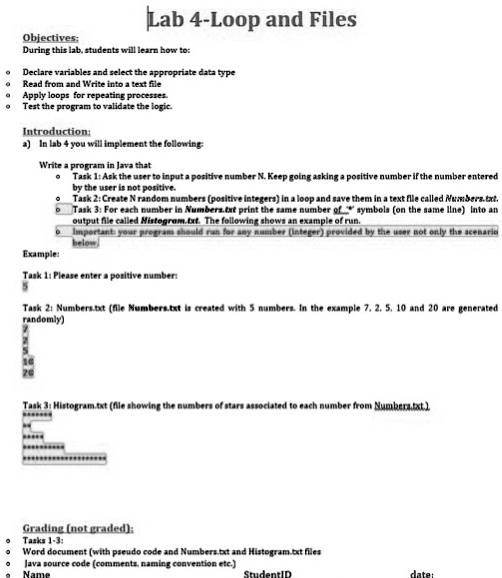
Task 1: Ask the user to input a positive number N. Keep going asking a positive number if the number entered
by the user is not positive.
Task 2: Create N random numbers (positive integers) in a loop and save them in a text file called Numbers.txt.
Task 3: For each number in Numbers.txt print the same number of \* symbols (on the same line) into an
output file called Histogram.txt. The following shows an example of run.
Important: your program should run for any number (Integer) provided by the user not only the scenario
below
Task 1: Please enter a positive number:
5
Task 2: Numbers.txt (file Numbers.txt is created with 5 numbers. In the example 7, 2, 5, 10 and 20 are generated
randomly)
7
2
5
10
20
Task 3: Histogram.txt (file showing the numbers of stars associated to each number from Numbers.txt)
Grading (not graded):
Tasks 1-3:
Word document (with pseudo code and Numbers.txt and Histogram.txt files
Java source code (comments, naming convention etc.)
Name
StudentID
date: