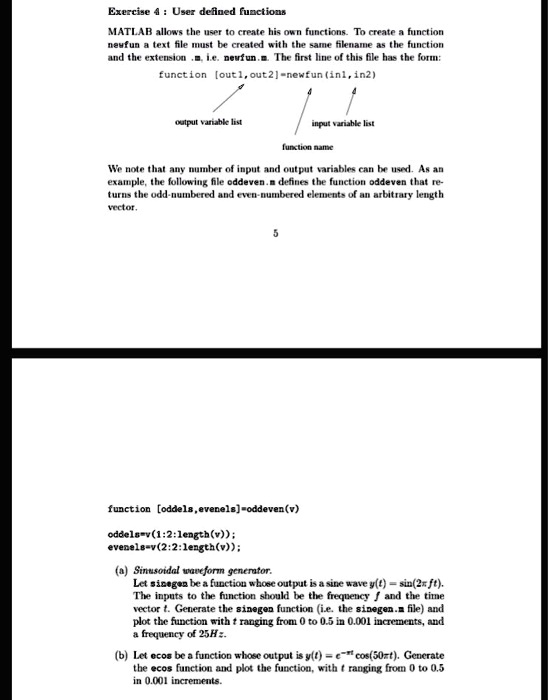
Exercise 4: User defined functions
MATLAB allows the user to create his own functions. To create a function
newfun a text file must be created with the same filename as the function
and the extension .m, i.e. newfun.m. The first line of this file has the form:
function [out1,out2]=newfun(in1,in2)
output variable list
input variable list
function name
We note that any number of input and output variables can be used. As an
example, the following file oddeven.m defines the function oddeven that re-
turns the odd-numbered and even-numbered elements of an arbitrary length
vector.
5
function [oddels, evenels]=oddeven(v)
oddels=v(1:2:length(v));
evenels=v(2:2:length(v));
(a) Sinusoidal waveform generator.
Let sinegen be a function whose output is a sine wave $y(t) = \sin(2\pi ft)$.
The inputs to the function should be the frequency $f$ and the time
vector $t$. Generate the sinegen function (i.e. the sinegen.m file) and
plot the function with $t$ ranging from 0 to 0.5 in 0.001 increments, and
a frequency of 25Hz.
(b) Let ecos be a function whose output is $y(t) = e^{-t} \cos(50\pi t)$. Generate
the ecos function and plot the function, with $t$ ranging from 0 to 0.5
in 0.001 increments.